
It’s 5:45 p.m. on a Wednesday. A new patient in Reston has finally found a few minutes after her commute to call about a cleaning and a sore tooth. Your front desk team is checking out the last patient of the day, the second line is ringing, and her call rolls to voicemail. She doesn’t leave a message. She opens the next practice’s website, sees a “Book Online” button, and picks a Saturday morning slot.
Most practices don’t lose patients because of their dentistry. They lose them at the front door: busy phones, lunch-hour gaps, and evenings when nobody can answer. That’s why so many vendors are now pitching an AI receptionist for the dental office, plus smarter online scheduling and automated reminders.
Some of these tools help a great deal. Others create new problems, like wrong answers, privacy gaps, and callers who just wanted a person. This guide covers where AI fits at the front desk, where a human should always stay in the loop, the HIPAA questions to ask before you sign anything, and a checklist for setting it up the right way.
What “AI Receptionist” Actually Means for a Dental Office
“AI receptionist” is a broad label. In practice, it usually means one or more of these:
- AI phone answering. A voice assistant answers calls, responds to common questions, collects caller details, and books or requests appointments.
- Website chat. A chat assistant on your site that answers questions and guides visitors toward booking.
- Online self-scheduling. A booking tool that lets patients pick an open slot themselves. This isn’t always AI, but it’s the foundation everything else depends on.
- Automated reminders and confirmations. Text and email messages that confirm visits, handle reschedules, and fill cancellations from a waitlist.
What matters most is whether the tool connects to your practice management software (such as Dentrix, Eaglesoft, or Open Dental) so that it sees your real schedule and doesn’t create double-bookings or messages someone has to retype.
If you run a home service business instead of a practice, we cover the contractor version of this topic in our guide to AI chatbots and after-hours booking for HVAC, plumbing, and roofing companies.
Where AI Helps a Dental Practice
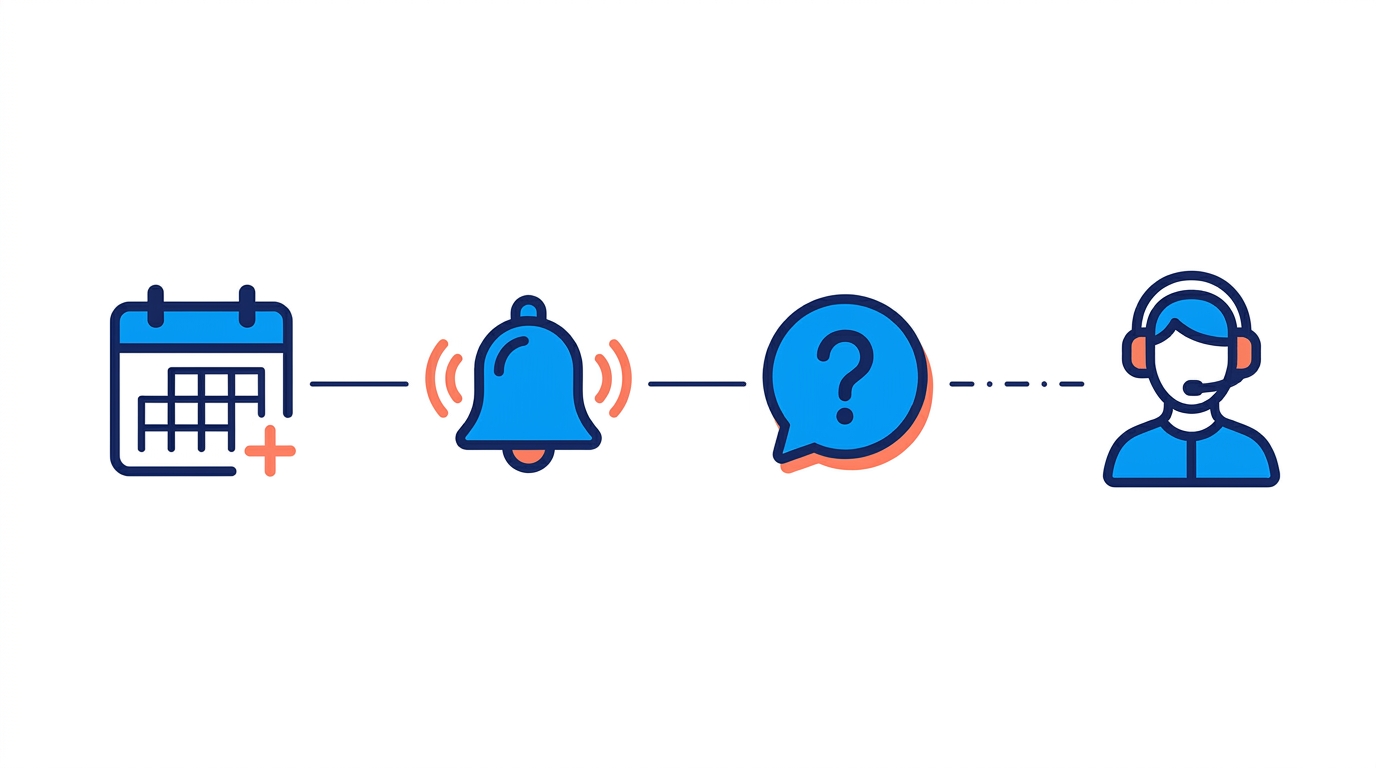
New-Patient Booking
New patients often call when you’re busiest or closed. An AI assistant can capture the basics (name, contact information, reason for the visit, insurance carrier, and preferred times) and either book directly into new-patient slots or send a request your team confirms the next morning.
Example: Someone asks about an Invisalign consultation at 9 p.m. Instead of a voicemail greeting, they get answers to a few simple questions and a consult request, and your team follows up first thing in the morning.
Reminders, Confirmations, and Rescheduling
Automated reminders are one of the least controversial uses of automation in a dental office. Patients can confirm or reschedule by text, and some systems can offer a newly opened slot to patients on a waitlist.
Answering Routine Questions
Many front desk calls ask the same questions: hours, parking, whether you’re accepting new patients, which insurance plans you’re in network with, whether you see children, and whether you offer sedation. An AI assistant can answer these well, as long as it pulls only from answers your team has written and approved.
Overflow and After-Hours Coverage
AI works best as backup, not as a replacement. Use it for calls that would otherwise go unanswered (the morning rush, lunch, evenings, and weekends) so your team can focus on the patients in front of them.
What AI Shouldn’t Handle
Keep a person involved for anything clinical, financial, or emotional:
- Dental emergencies. Swelling, trauma, a knocked-out tooth, or severe pain needs a defined handoff, not a chatbot conversation. Your clinical team should write the emergency script, and the AI should follow it word for word.
- Clinical advice. No diagnosis, no medication guidance, and no “it’s probably nothing.”
- Benefits and pricing. “Will my insurance cover this crown?” requires someone to check the patient’s actual benefits.
- Billing disputes and complaints. These need a real person.
- Anyone who asks for a human. Callers should always be able to reach your team with a simple option like “say ‘front desk’ or press 0.”
Build a Clear Emergency Handoff
- List the words and situations that count as urgent (swelling, bleeding, trauma, severe pain), and have your dentist approve the list.
- During office hours, transfer those calls to a team member immediately.
- After hours, route them to your on-call process, whether that’s an on-call dentist’s line or an answering service.
- Have the AI tell callers to call 911 or go to an emergency room for anything life-threatening, using wording your dentist approves.
- Send an alert to the on-call person with the caller’s details.
- Review every urgent call the next business day to make sure it was handled well.
HIPAA-Aware Questions to Ask Any Vendor
An AI receptionist will hear names, dates of birth, insurance details, and reasons for visits. That’s protected health information. Under HIPAA, a vendor that creates, receives, maintains, or transmits protected health information on your behalf is generally considered a business associate, which means you need a signed business associate agreement (BAA) before patient data flows through the tool.

Before you sign, ask:
- Will you sign a BAA? If the answer is no, stop there.
- Where are call recordings, transcripts, and messages stored, for how long, and can we delete them?
- Is data encrypted in transit and at rest?
- Do you use our call data to train AI models? If so, can we opt out?
- Which subcontractors touch our data, including the company behind the underlying AI model, and are they covered by BAAs too?
- What access controls do you offer, such as individual logins, role-based permissions, multi-factor authentication, and audit logs?
- How does it connect to our practice management software, and what can it read or change?
- What does the assistant do when it doesn’t know an answer? It should say so and hand off, not guess.
- Can we review and edit every answer it gives patients?
- What’s your breach notification process, and how quickly will you tell us?
A few related points to raise with your compliance advisor:
- Call recording consent. Virginia generally allows recording when one party consents, but practices near the DC line also get calls from Maryland, which generally requires every party’s consent. Many practices avoid the question by opening each call with a short disclosure that the call may be recorded and is being handled by an automated assistant.
- Text message consent. Automated texts and calls come with federal consent rules. Ask the vendor how it collects and records patient consent.
- Tracking on booking pages. Be careful about third-party analytics and advertising pixels on scheduling and intake pages. Federal guidance in this area has changed after court challenges, so review your setup with your compliance advisor.
This article is general information, not legal advice. Talk with your HIPAA compliance advisor or attorney about your practice’s specific situation.
Online Scheduling: Getting the Basics Right
Online booking is often the simplest win, with or without AI:
- Choose which appointment types to offer online. New-patient exams, cleanings, and consultations work well. Emergencies and complex treatment usually work better with a phone call.
- Keep it short. Ask only for what you need to book. Collect the rest with digital intake forms before the visit.
- Make the button easy to find. Put “Book Online” in your header, on every service page, and as the appointment link on your Google Business Profile.
- Sync in real time. If the booking tool doesn’t see your live schedule, you’ll trade missed calls for double-bookings.
- Keep your phone number visible. Some patients will always want to call.
There’s an AI search benefit here too. When your website and Google Business Profile clearly say that you accept new patients, which insurance plans you take, and that patients can book online, patients get clearer answers, and so do the AI tools that summarize your practice. We cover that side in AI Search for Dentists: How to Get Recommended by ChatGPT, Gemini, and Google AI Overviews.
What This Looks Like in Northern Virginia
Picture a family practice in Fairfax whose patients commute into DC or Tysons, so calls spike before 8 a.m. and after 5 p.m., when the front desk is busiest. A practical setup:
- Online booking for cleanings and new-patient exams, including the Saturday slots commuters want
- An AI assistant that answers overflow and after-hours calls, handles routine questions, and collects new-patient requests
- Automated reminders with easy text rescheduling
- A clear emergency handoff to the on-call dentist
- A recorded-call disclosure at the start of every call, since callers may be in Virginia, DC, or Maryland
Checklist: Before You Turn It On
- Signed BAA from the vendor (and confirmation that its subcontractors are covered)
- Integration with your practice management software tested on a test patient record
- Approved answers for your top 20 front desk questions
- Emergency script written and approved by your dentist
- “Talk to a person” option available on every call and chat
- Recording and AI disclosure at the start of calls
- Clear rules on what the AI can’t discuss (clinical advice, benefits, billing)
- Reminder text consent process confirmed
- Booking link added to your website header and Google Business Profile
- Team trained on reviewing AI requests every morning
- Ten or more test calls made, including an “emergency” and a confused caller
How to Tell If It’s Working
During the first month, listen to a sample of calls every week. After that, review these monthly:
- Share of calls answered, especially at lunch and after hours
- New-patient appointments booked online or through the assistant
- No-show and late-cancellation rates
- How often the assistant hands off to a person, and why
- Patient complaints or confusion about the system
If patients keep asking something the AI can’t answer, add an approved answer and put it on your website too.
Frequently Asked Questions
Will an AI receptionist replace our front desk team?
It shouldn’t. The best setups use AI for overflow, after-hours calls, and routine questions, giving your team more time for patients, insurance work, and calls that need a human touch.
Is an AI receptionist HIPAA compliant?
No tool is compliant on its own. Compliance depends on a signed BAA, how the tool is configured, and your practice’s policies and training. Ask the vendor the questions above, and confirm the details with your compliance advisor.
Should patients know they’re talking to AI?
Yes. Tell callers up front that they’re speaking with an automated assistant, and make it easy to reach a person.
Can AI verify a patient’s insurance benefits?
Some tools can collect insurance details or check eligibility, but explaining coverage for a specific treatment should stay with your team, since a wrong answer can become a billing problem.
Does online scheduling help with SEO or AI search?
Indirectly. It won’t change rankings by itself, but clear booking options and accurate details on your website and Google Business Profile help patients, and the AI tools they use, understand what you offer.
Make Every Call and Click Count
Nova Advertising builds dental websites designed to turn visitors into booked appointments, with clear calls to action, online scheduling, and Google Business Profiles that give patients accurate answers. Learn more about our dental marketing services, or contact Nova Advertising for a free consultation. We’ll review how patients reach your practice today and where the easiest wins are.



Get NOVA marketing insights in Google Search
Add NOVA Advertising as a preferred source for practical updates on SEO, AI search, web design, paid advertising, and local marketing.